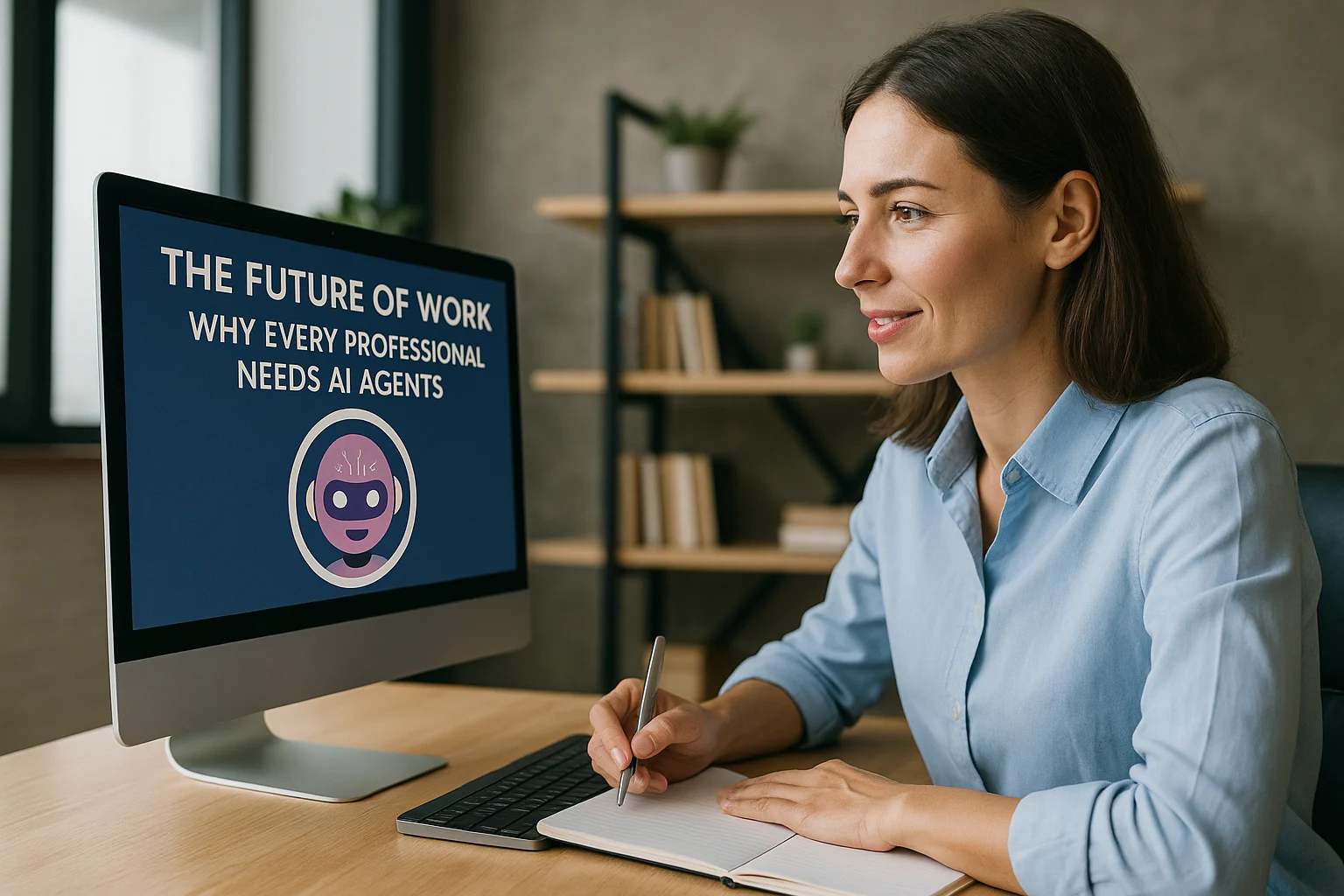
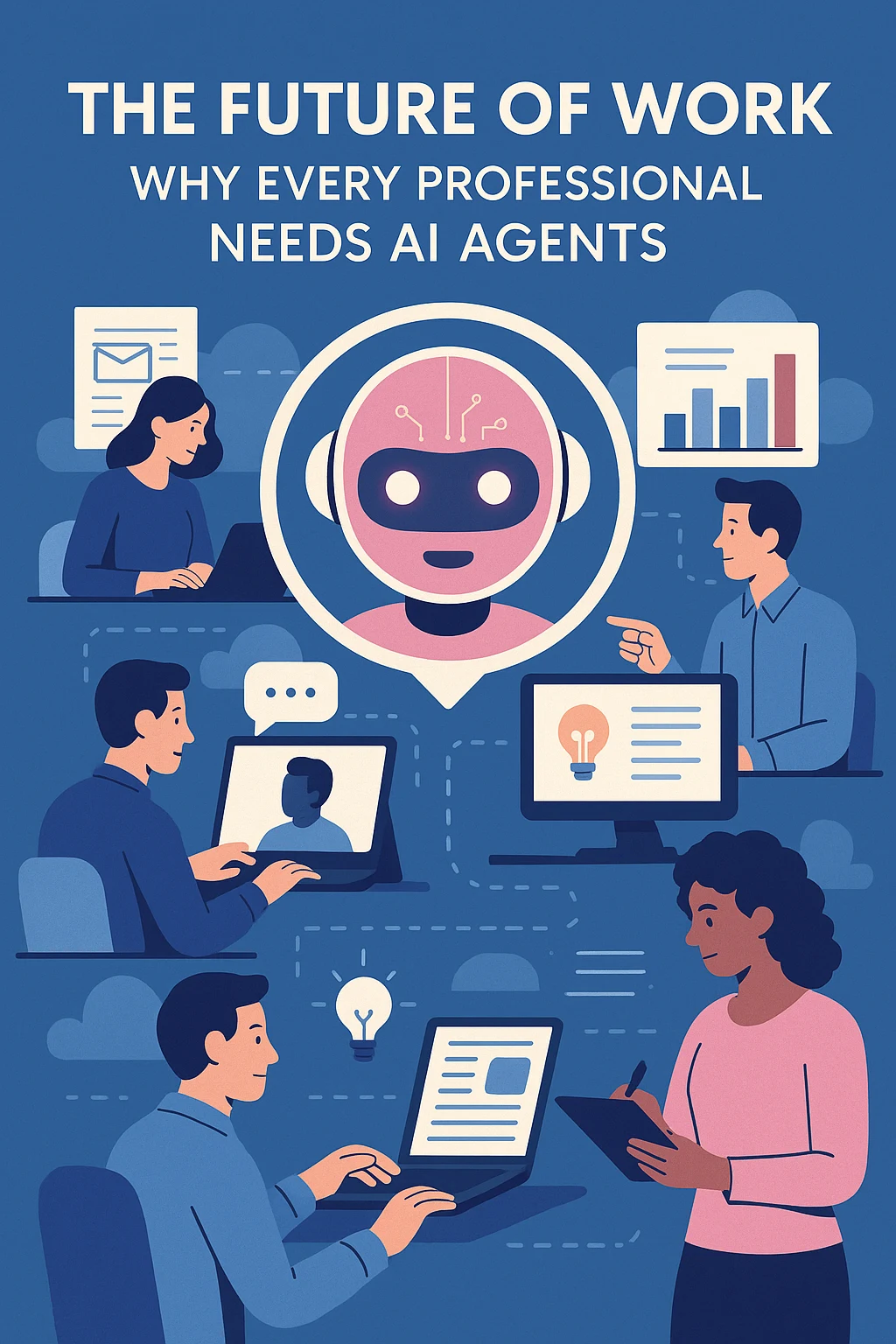
Artificial intelligence isn’t just something “IT” or “data teams” worry about anymore.
In 2025, AI agents are quietly slipping into every corner of work:
- Drafting emails before you even open your inbox
- Summarizing meetings you missed
- Filling out CRMs and reports in the background
- Researching, comparing, and organizing information on your behalf
The big shift is this:
The future of work won’t be humans vs AI.
It will be humans with agents vs humans without them.
In this blog, we’ll break down:
- What AI agents actually are (beyond “chatbots”)
- Why they’re becoming a baseline skill like Excel or email
- How they’re changing the day-to-day of different professions
- What new opportunities they create (and what they will automate away)
- The mindsets and skills every professional should develop
- A practical roadmap to start using agents now, not “someday”
1. What Exactly Is an “AI Agent”?
Let’s de-hype the term.
A lot of people hear “AI agent” and picture a sci-fi robot replacing entire departments.
In reality, an AI agent is:
- A system that can understand a goal (“Summarize this meeting and email the action items to the team”),
- Plan a few steps,
- Use tools (email, calendar, CRM, docs, APIs),
- Act on your behalf,
- And repeat this loop until the goal is done or it needs your help.
This is different from a plain chatbot:
- A chatbot mostly answers questions and stops.
- An agent can take actions in tools and systems, not just talk.
Think of an AI agent as:
- A super-fast digital assistant
- With access to your tools
- That never sleeps
- But still needs your guidance, guardrails, and review
You might already be using “proto-agents” without calling them that:
- Gmail suggesting replies
- Notion / Slack AI summarizing threads
- Tools that auto-generate meeting notes and tasks
The difference now is that we can design agents to work across multiple tools and workflows—not just inside a single app.
2. Why Every Professional Will Need AI Agents (Like Email or Excel)
There was a time when:
- Typing was “optional”
- Email was “for tech people”
- Spreadsheets were a “specialist skill”
Today they’re basic expectations.
AI agents are on the same trajectory.
We are here with Agentic Ai BotCampusAi-Worskshop
Because the volume of “digital work” is exploding
Every year, professionals deal with more:
- Emails, DMs, tickets, comments
- Dashboards, metrics, reports
- Docs, SOPs, training material
- Tools (CRMs, PM tools, LMS, HRIS, etc.)
Humans haven’t grown extra brains or extra hours.
We’ve just been compensating with:
- More meetings
- More late nights
- More “copy-paste” work
Agents are the first realistic way to offload the flood of digital overhead.
Because “average” will be automated
If your output is:
- Repetitive
- Template-based
- Easy to approximate by a model
…then it will be automated or commoditized.
What will still matter:
- Taste
- Judgment
- Creativity and strategy
- Ability to design and supervise systems
- Ability to understand people and context
Agents don’t remove the need for professionals.
They remove the excuses for professionals not to focus on higher-leverage work.
3. How AI Agents Are Changing Day-to-Day Work (By Role)
This isn’t theoretical. Let’s look at how agents practically reshape a workday.
3.1 Marketers
Today (without agents):
- Manually researching competitors
- Writing and rewriting similar emails/posts
- Copy-pasting performance data from tools
- Updating campaign spreadsheets and decks
With agents:
- A Research Agent summarizes competitor activity weekly.
- A Content Agent generates 20 variants of a core idea for different channels.
- A Reporting Agent pulls data from Ads + Analytics + CRM and drafts a weekly report with commentary.
- The marketer:
- Chooses direction,
- Refines messaging,
- Sets strategy,
- Talks to customers and stakeholders.
3.2 Sales & Customer Success
Today:
- Manually logging calls and notes
- Writing follow-up emails from scratch
- Re-explaining the same features 20 times/week
- Digging through CRM for context before each call
With agents:
- A Call Summary Agent writes notes and extracts action items from call recordings.
- A Follow-Up Agent drafts personalized emails based on the call + CRM + account context.
- A Renewal Risk Agent flags accounts with negative signals (low usage, bad CSAT, overdues).
- The human:
- Focuses on relationships,
- Negotiation,
- Handling objections,
- Designing better offers.
3.3 Developers & Tech Professionals
Today:
- Writing boilerplate code
- Debugging repetitive errors
- Manually reading logs and stack traces
- Writing documentation they secretly hate
With agents:
- A Code Agent scaffolds boilerplate, migrations, CRUD endpoints.
- A Debug Agent reads logs, suggests likely causes, and proposes patches.
- A Doc Agent converts merged PRs and comments into developer-facing docs.
- The developer:
- Focuses on architecture,
- Non-trivial debugging,
- System design,
- Security and performance trade-offs.
3.4 HR, Operations, and Admin
Today:
- Scheduling interviews and meetings manually
- Answering repetitive “How many leaves do I have?” questions
- Onboarding employees with the same instructions repeatedly
- Compiling reports from multiple systems
With agents:
- A Scheduling Agent negotiates times with candidates and sends calendar invites.
- An HR FAQ Agent answers policy questions based on the HR handbook.
- An Onboarding Agent sends tailored checklists and reminders over the first 30 days.
- The human:
- Focuses on culture,
- Conflict resolution,
- Talent strategy,
- Sensitive conversations.
3.5 Educators, Coaches, and Creators
Today:
- Creating custom exercises for each learner/client
- Manually checking understanding via chats and emails
- Repackaging old content into new formats
With agents:
- A Learning Coach Agent personalizes practice questions using the course content.
- A Progress Agent tracks engagement and flags learners who might drop off.
- A Repurposing Agent turns a long video into blog posts, clips, and social content.
- The human:
- Focuses on motivation,
- Deep explanations,
- Designing learning journeys,
- High-value live interactions.
4. What Agents Will Automate — And What They Won’t
It’s important to be honest about what’s on the chopping block.
Tasks That Are Very Likely to Be Automated
- Pure copy-paste work between systems
- Simple data cleaning and basic reporting
- First-draft writing of standard messages (confirmations, reminders, FAQs)
- Simple classification (tagging tickets, categorizing leads)
- Basic research that doesn’t require deep judgment
If your day is 80–90% this kind of work, you’re at risk unless you move up the stack.
Tasks That Are Much Harder to Replace
- High-stakes decisions with real consequences (hiring, firing, big deals, medical/legal decisions)
- Navigating politics, culture, and trust inside teams and organizations
- Complex negotiations and conflict resolution
- Truly novel problem-solving with incomplete information
- Deep creative direction and taste-driven work
Agents can support these tasks, but they rarely own them end-to-end.
The professionals who thrive will be those who blend:
- Agent speed + scale
- Human judgment + nuance
5. The New Skillset: Becoming “Agent-Literate”
Just like “computer literacy” became non-negotiable, agent literacy is the new baseline.
Here’s what that looks like in practice.
5.1 Workflow Thinking
You should be able to:
- Look at your day and break it into steps
- Identify where you’re doing repetitive digital work
- Imagine: “What if an agent did steps 2, 3, and 4 for me?”
This is process design, not coding.
5.2 Prompting & Specification
You don’t need to be a prompt artist, but you should:
- Clearly describe what you want: role, goal, constraints, style
- Give examples of good vs bad outputs
- Iteratively refine instructions based on what the agent does
This is like writing a good task description for an intern—just in text.
5.3 Tool Awareness
You don’t have to build everything, but you should know:
- Which tools in your stack already have AI features (Gmail, Docs, Notion, Slack, HubSpot, etc.)
- Basic automation platforms (n8n, Zapier, Make, Activepieces, no-code agent tools)
- How to connect one or two tools together (e.g., “When a form is submitted, trigger an agent and send a Slack summary.”)
5.4 Critical Thinking About AI Output
The worst thing you can be is blindly trusting.
You should:
- Read AI output with a critical eye
- Check facts for important decisions
- Look for hallucinations, inconsistencies, or policy violations
- Take responsibility for anything you sign your name to
Agents are assistants, not oracles.
6. How to Start Using AI Agents This Month (Practical Roadmap)
You don’t need your company to launch a huge “AI initiative” before you start.
Here’s a simple 4-step path you can follow personally.
Step 1: Audit Your Workweek
For 3–5 days, track:
- What you actually do, hour by hour
- Mark tasks as:
- [R] Repetitive
- [C] Creative/strategic
- [H] Human/relationship-driven
Highlight all the [R] tasks. These are your first automation candidates.
Step 2: Pick One Use Case to Automate With an Agent
Examples:
- “Summarize every meeting I attend and generate a 5-bullet action list.”
- “Draft the first version of my daily client update emails.”
- “Classify incoming leads into tiers and suggest next actions.”
- “Organize research notes into a structured outline.”
Choose one that recurs weekly and is obviously boring.
Step 3: Build a Mini-Agent with Tools You Already Have
Depending on your comfort level:
- Use built-in features:
- Gmail/Outlook suggestions
- Notion/Slack/Docs AI for summarization and drafting
- Or plug in a lightweight automation tool:
- n8n / Zapier / Make / Activepieces
- Combine: trigger (email/calendar/Slack) → AI step → output (doc/slack/email)
Define:
- When it should run
- What context it sees
- Where it should write its output (draft email, doc, Slack channel)
Start with “agent suggests, you decide” instead of full auto-sending.
Step 4: Iterate and Expand
After 2–3 weeks:
- Ask: “How much time did this actually save?”
- Improve instructions and edge cases
- Add a second use case once the first is stable
Over time, you’ll have your own personal stack of agents:
- A morning “inbox summarizer”
- A “meeting note & action extractor”
- A “research & outline assistant”
- A “reporting agent” that drafts your weekly updates
You’re not waiting for “the company” to change.
You’re changing the way you work right now.
7. The Real Future: Humans Who Command Agents
So, will every professional “need” AI agents?
In practical terms: yes.
Not because a rule says so, but because:
- Colleagues who use agents will handle 2–5× more work with less stress
- Teams that embrace agents will move faster than those that don’t
- Employers will quietly prefer people who can plug into and shape agent-powered workflows
The future of work looks less like:
“One genius human doing everything”
and more like:
“One skilled human + a small team of AI agents
orchestrated around their goals.”
Your choice isn’t whether AI agents will exist in your field.
They’re already here.
Your real choice is:
- Ignore them and hope your old way of working stays relevant, or
- Learn to use them, design them, and lead with them.
The second path is more interesting, more lucrative, and—honestly—more fun.
If you want concrete, builder-friendly breakdowns of AI agents, RAG, LangChain/LangGraph, n8n workflows, and no-code tools for automating your day-to-day work, keep an eye on BotCampusAI—we’ll keep turning the buzzwords of “future of work” into clear, practical systems you can actually use in your career today.